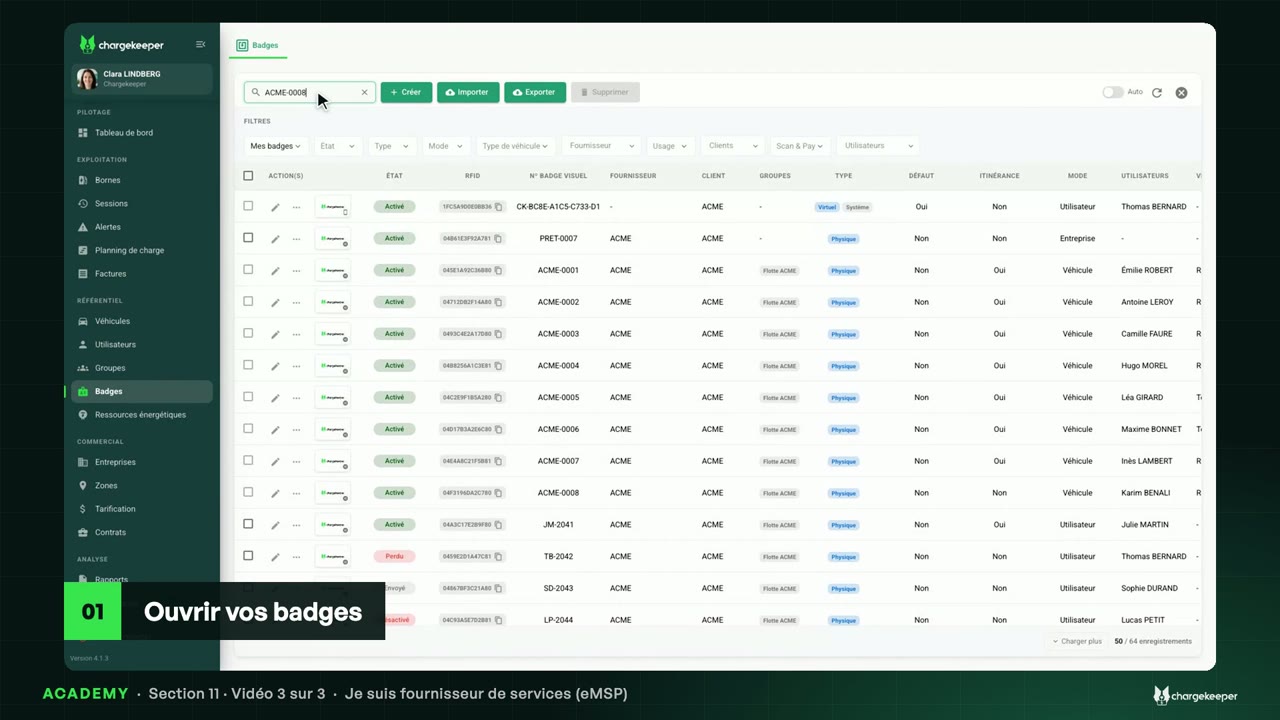
Opening your stations to partners under their eMI3 identifier, the roaming tariff, partner badges, the CDR and the invoice to the provider.
Transcript Click a paragraph to play the video from there.
Introduction 0:06 Hello! You are opening your car park's stations to the public, and drivers from other networks want to charge there. We publish the zone, set the price for partners, then follow the sessions through to the invoice. Publishing the zone and its stations 0:19 In the zones, we open “Parking visiteurs”. Under “Roaming”, we tick “Publish to roaming partners (OCPI)”, and we save. 0:30 Unticked, the zone and its stations disappear from the partners. A home charging zone, on the other hand, cannot be published. 0:40 Next, each station in the zone. In the “Charger” tab, we switch on “Connected to roaming”, and we save. 0:49 The station goes out to the partners: its location, its connectors, and their status, updated at every change. 0:58 Each charge point carries its “eMI3 Identifier” there: the country, your operator code, the station and the point. That is the name partners know it by. The roaming tariff 1:10 In pricing, the “Itinérance – partenaires eMSP” tariff uses the “Roaming CPO” method: it is the price service providers pay for their drivers. 1:23 It is attached to the roaming platform, Gireve, with its tariff ID, and here applies to every provider on the platform. 1:32 Without a “Roaming CPO” tariff covering the zone, partner badges are refused there. Partner badges 1:38 In the badges, the “Partner EMSP badges” source lists those of drivers coming from elsewhere, with their provider: ACME Mobility, ACME Charge Pass… 1:50 You don't create them. When an unknown badge shows up, Chargekeeper asks its provider in real time, through the platform, then records it. 2:00 It is the provider that accepts or refuses: only it knows its customer. And on your stations, a partner badge starts only one session at a time. Sessions and their CDR 2:10 In the history, the “Roaming” filter isolates the charges of partner badges on your stations, with the provider of each one. 2:19 In the session, the “Roaming” card names the platform and the driver's provider. 2:26 The “CDR (OCPI)” tab shows the record sent at the end of the charge: energy, duration, cost, and the charge point's eMI3 identifier. 2:39 It goes out on its own, and is sent again if it fails. On the session's row, “Push CDR” resends it by hand, and “Export Cdr” downloads it. The invoice to the provider 2:50 Invoicing providers is an option of your workspace. In the session, the “Billing” card says whether it goes into the invoice: “To bill”, “Bill at zero”, or “Not billable”. 3:04 Every month, the contract's “EMSP billing” clause groups these sessions and invoices them to the provider. The statement to approve goes out a week before. Key takeaways 3:16 Key points: publish the zone, then its stations, under their eMI3 identifier; without a “Roaming CPO” tariff, partner badges are refused; and each session is invoiced to the provider, with its CDR. 3:31 Next video: I am a service provider.