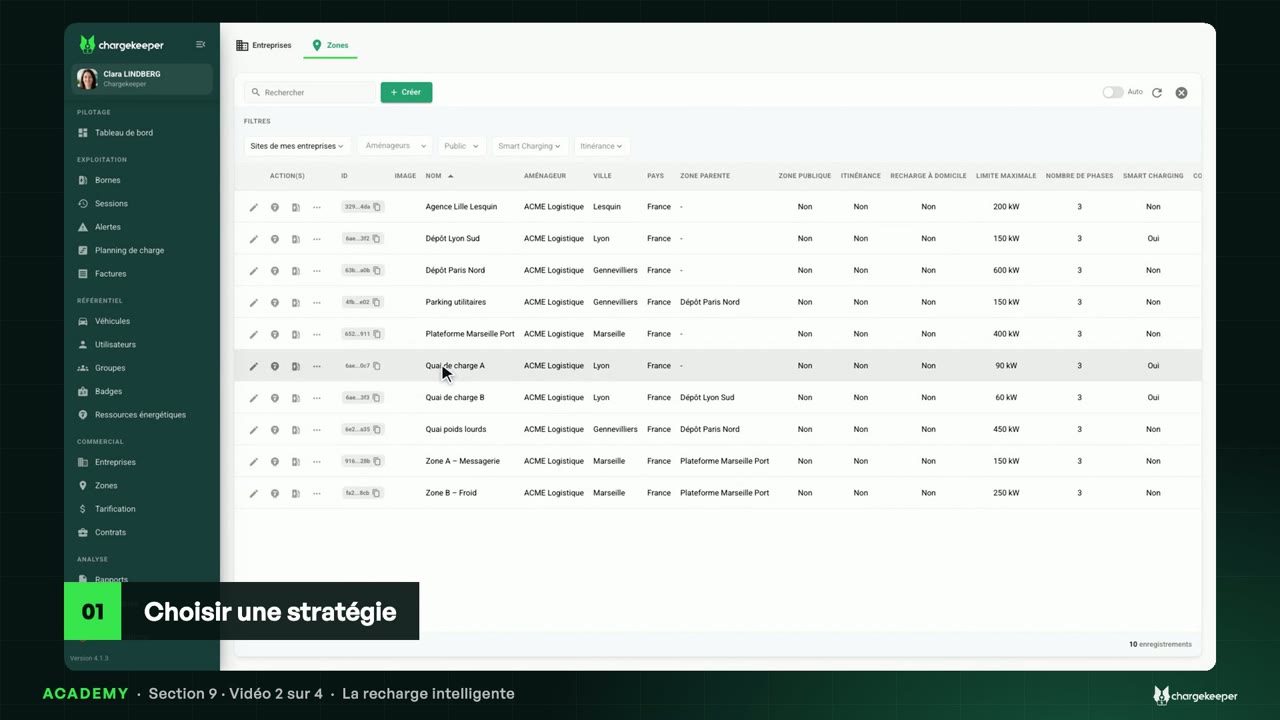
The power available to an area, on its electricity meter, and a station's limit.
The video is narrated in French, with English subtitles. Clara, our virtual trainer, and her voice are AI-generated; the data shown is fictitious.
Transcript Click a paragraph to play the video from there.
Introduction 0:06 Hello! This section teaches you to manage the energy of your site areas: their power, smart charging, your energy resources, then your energy contract. Let's start by limiting power. A site area's limit 0:19 Open “Site Areas”, then the “Parking utilitaires” site area, “Electric meter” tab. 0:26 Here you find its power limit not to exceed. This sub-area has no delivery point of its own: it receives one hundred and fifty kilowatts from its parent site area's. 0:37 The diagram shows it: five stations, two hundred and twenty-one kilowatts configured, for one hundred and fifty allocated. Smart charging is what enforces this limit. Without it, you limit your stations yourself, with a charging plan. A station's charging plan 0:54 In “Charging Stations”, a station's power button opens its charging plans. 1:03 Choose the connector, then the type: temporary, daily or weekly planning. A daily planning repeats every day. 1:14 Add your slots: full power at night, then eleven kilowatts from seven a.m. to seven p.m. The curve shows the limit, hour by hour. 1:28 “Apply the plan” saves it and sends it to the station. The station accepts it: the plan is in place. All your plans 1:42 The “Charging Plans” tab of “Charging Stations” lists the plans in place, station by station and connector by connector. 1:50 On a site area with smart charging, these plans are no longer set by hand: the banner says so, the platform computes them itself, continuously. That's the topic of the next video. Key takeaways 2:03 Key takeaways: a site area's limit is read in “Electric meter”. Smart charging enforces it. Without it, a charging plan limits a station, slot by slot. 2:16 In the next video: smart charging.