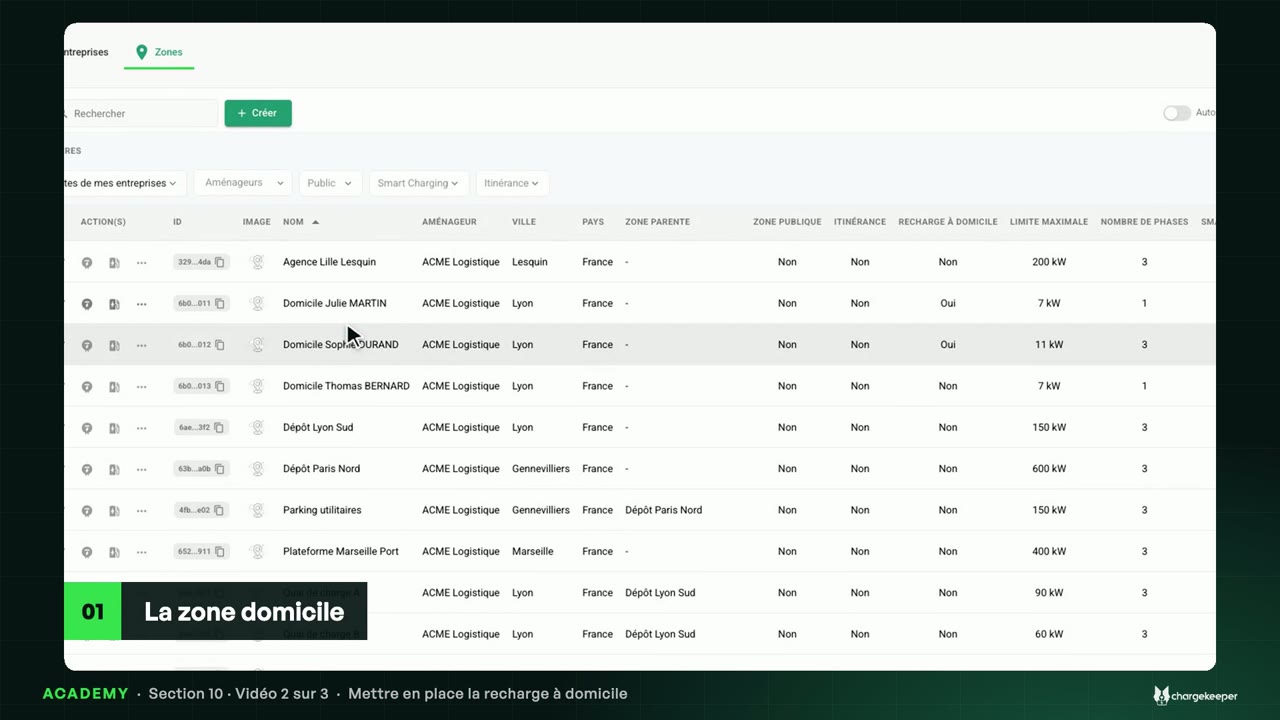
The home site area, the business and personal badges, the monthly report and automatic reimbursement.
Transcript Click a paragraph to play the video from there.
Introduction 0:06 Hello! This section guides you through home charging for your employees: its principle, its setup, then its follow-up every month. Let's start with the principle. How it works 0:17 Your employee charges their vehicle at home, and Chargekeeper records each of their sessions. 0:23 At home, two possible devices: a connected charger, or a connected cable. Both talk to Chargekeeper over OCPP, just like a car-park charger. 0:33 The cable has no badge reader: the ID of its holder's work badge is registered on it, once and for all. 0:41 In Chargekeeper, this device sits in a site area of type “Home charging”, owned by the employee. Work or personal 0:50 The badge decides. A session started with the work badge is a work session; with the personal badge, it is personal. 0:59 Only work sessions are refunded, at their price, computed by your tariffs. 1:04 A session started without a badge is linked to no one: it is flagged, and stays out of the report. Every month 1:11 Every month follows the same cycle. During the month, sessions add up. 1:16 Up to and including the 7th of the following month, the employee can requalify a session: from work to personal, or the other way round. 1:24 On the 8th, by default, the period closes: each employee receives their monthly report, and a copy can go to human resources. 1:33 With the automated refund option, the company receives its invoice and a transfer request at the same time. Once its account is funded, each employee is refunded to their bank account. Key takeaways 1:46 To remember: a connected charger or cable, in a “Home charging” site area; the badge sets the nature of the session; and every month, requalification until the 7th, report on the 8th, then refund. 2:01 Next video: setting up home charging.